CrescoDB vs Supabase
Both give you a database and an instant API. The real difference is where your backend runs and how much of it you own. Here's an honest breakdown — including where Supabase is the better pick.
The quick answer
Skip to the bottom line — then dig into the workflow below.
Choose CrescoDB if you…
- develop locally and want to start in seconds — no signup, no cloud project
- want to own and edit your backend code, not just call a hosted SDK
- want database + REST API + auth + API testing + an AI coding agent in one integrated workflow
- want the same API across SQLite, Postgres, and MySQL
- don't want to depend on a hosted platform while you're building
Choose Supabase if you…
- want managed, hosted Postgres in production from day one
- need a mature, battle-tested platform with a large ecosystem
- want GraphQL or edge functions out of the box
- prefer a cloud-first workflow and don't need to run anything locally
- want first-class managed auth providers and a hosted dashboard for your team
Side by side (what each does today)
Only features that actually exist right now — no vaporware in this table.
| Capability | CrescoDB | Supabase |
|---|---|---|
| Local-first development | ✓ Full — runs on your machine | Partial — cloud-first; local via CLI |
| Managed cloud hosting | On the roadmap | ✓ Yes |
| Generated backend code you own & edit | ✓ Real files (register.js, login.js…) | ✕ You use their SDK/client |
| Instant auto REST API | ✓ | ✓ (PostgREST) |
| GraphQL API | ✕ | ✓ |
| Built-in API explorer / testing | ✓ | ✕ (use Postman/etc.) |
| Built-in AI coding agent | ✓ | ✕ |
| Auth + roles (RBAC) | ✓ | ✓ |
| Realtime | ✓ (SSE) | ✓ (WebSockets) |
| File storage | ✓ | ✓ |
| Row-level security | ✓ | ✓ |
| Databases supported | SQLite · Postgres · MySQL | Postgres |
| Edge functions | ✕ (custom routes) | ✓ |
| Try with no signup | ✓ npx crescodb init | ✕ Account required |
| Maturity & ecosystem | Early (beta) | ✓ Mature, large |
The real test: building a blog backend
Feature checklists don't matter — workflows do. Here's the same task (a blog with posts, comments, and auth) in each tool.
CrescoDB
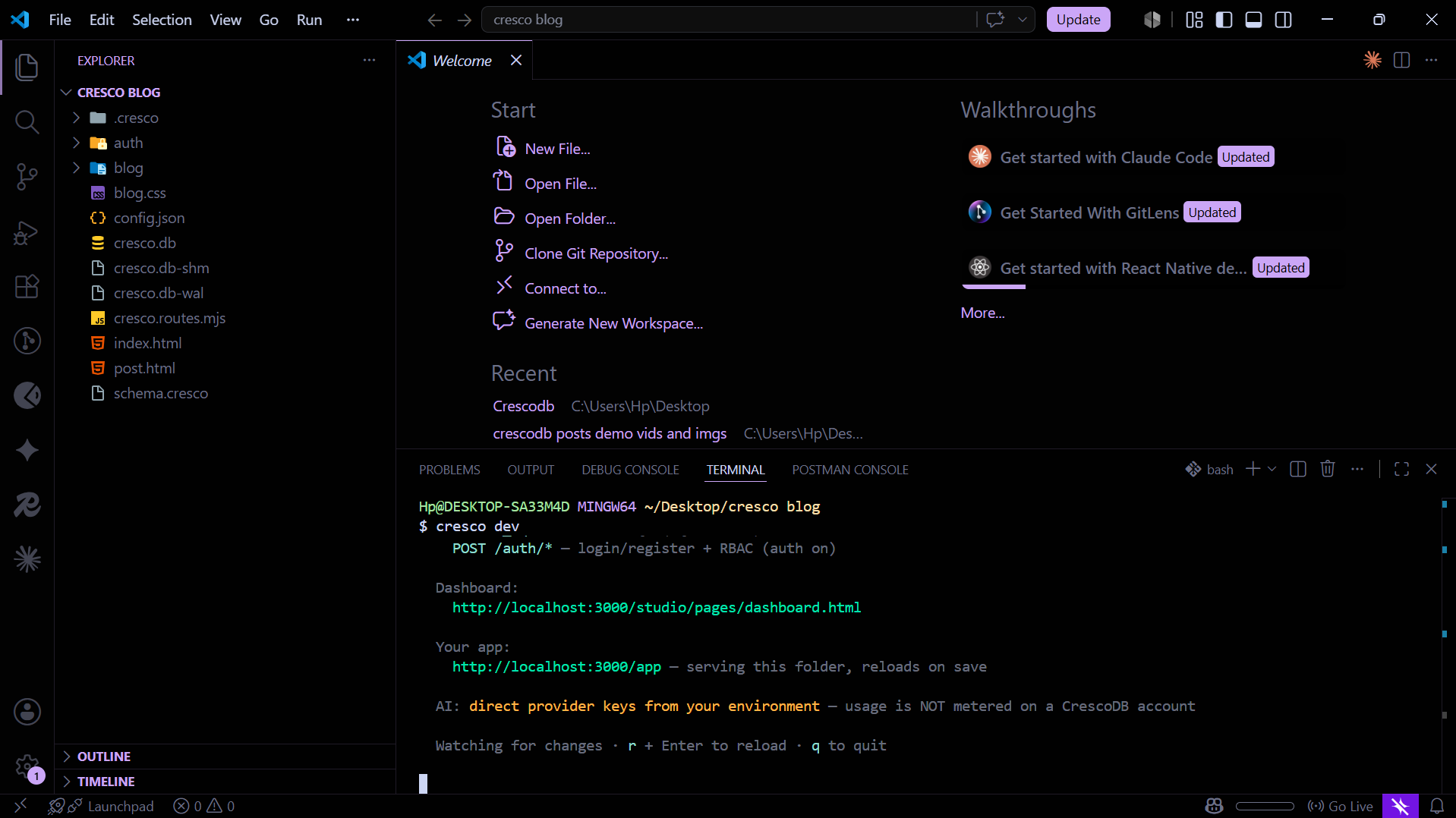
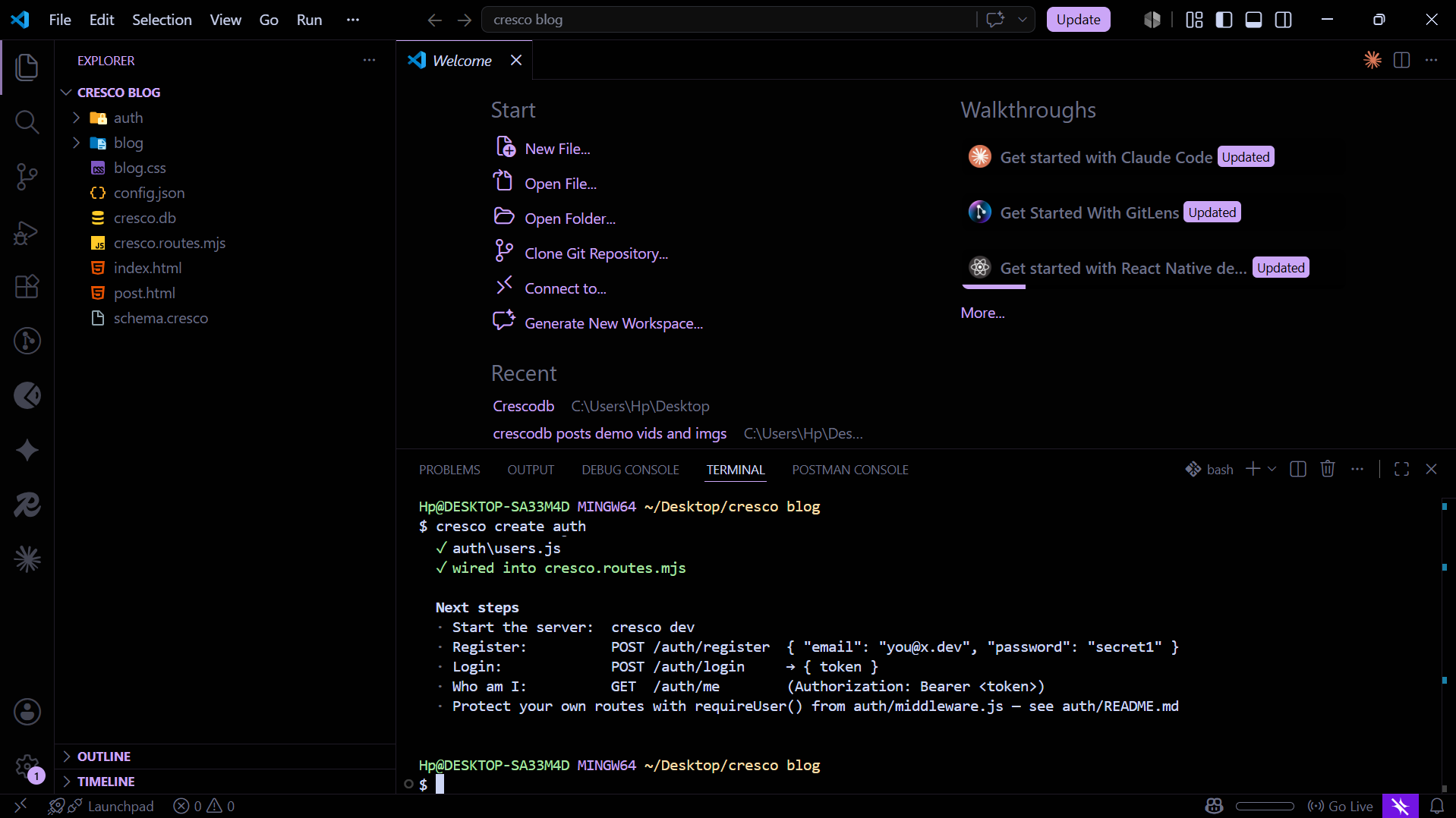
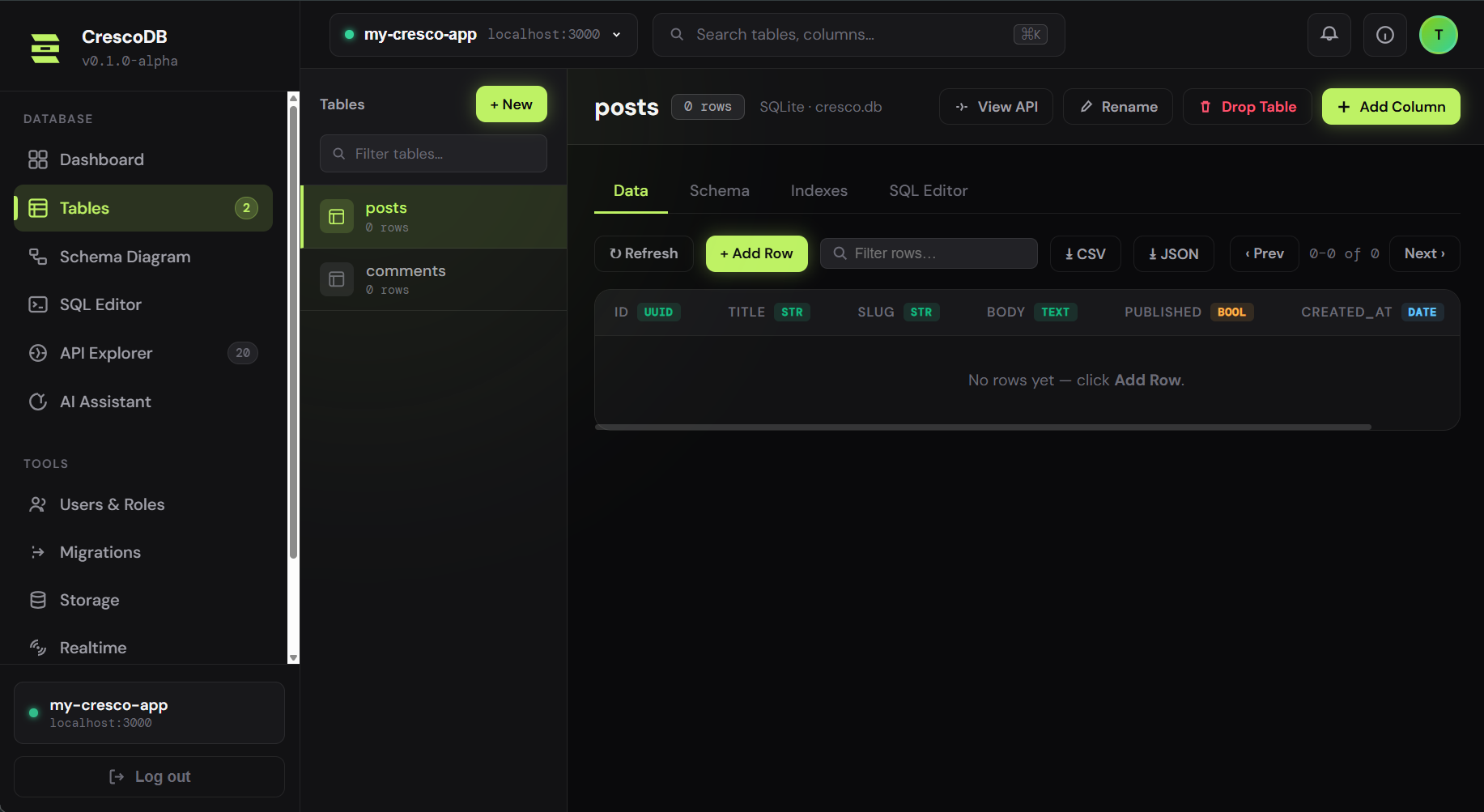
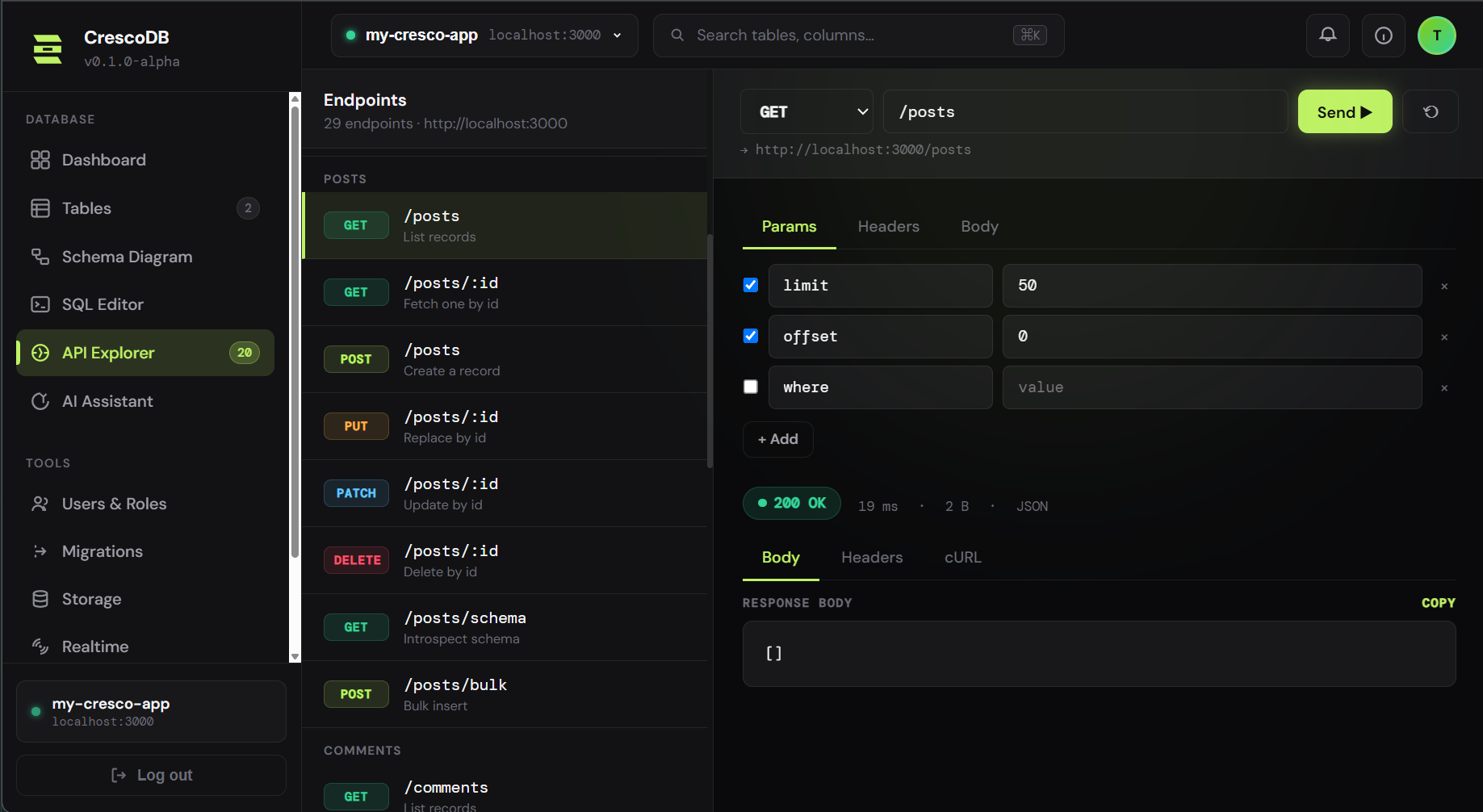
cresco init— an empty project, instantlycresco create blog— posts + comments tables and a ready blog site, as editable code you owncresco create auth— writesregister.js,login.js,middleware.js,jwt.jsinto your projectcresco dev— REST API, a dashboard, and a live API explorer, running on localhost
Supabase
- Sign up, create a project, wait for the database to provision
- Design the
posts/commentstables in the Table Editor - Add row-level-security policies
- Enable an auth provider (e.g. email) in the Auth settings
- Install
supabase-jsand call your data from your app - Test endpoints with an external tool (Postman) or the API docs
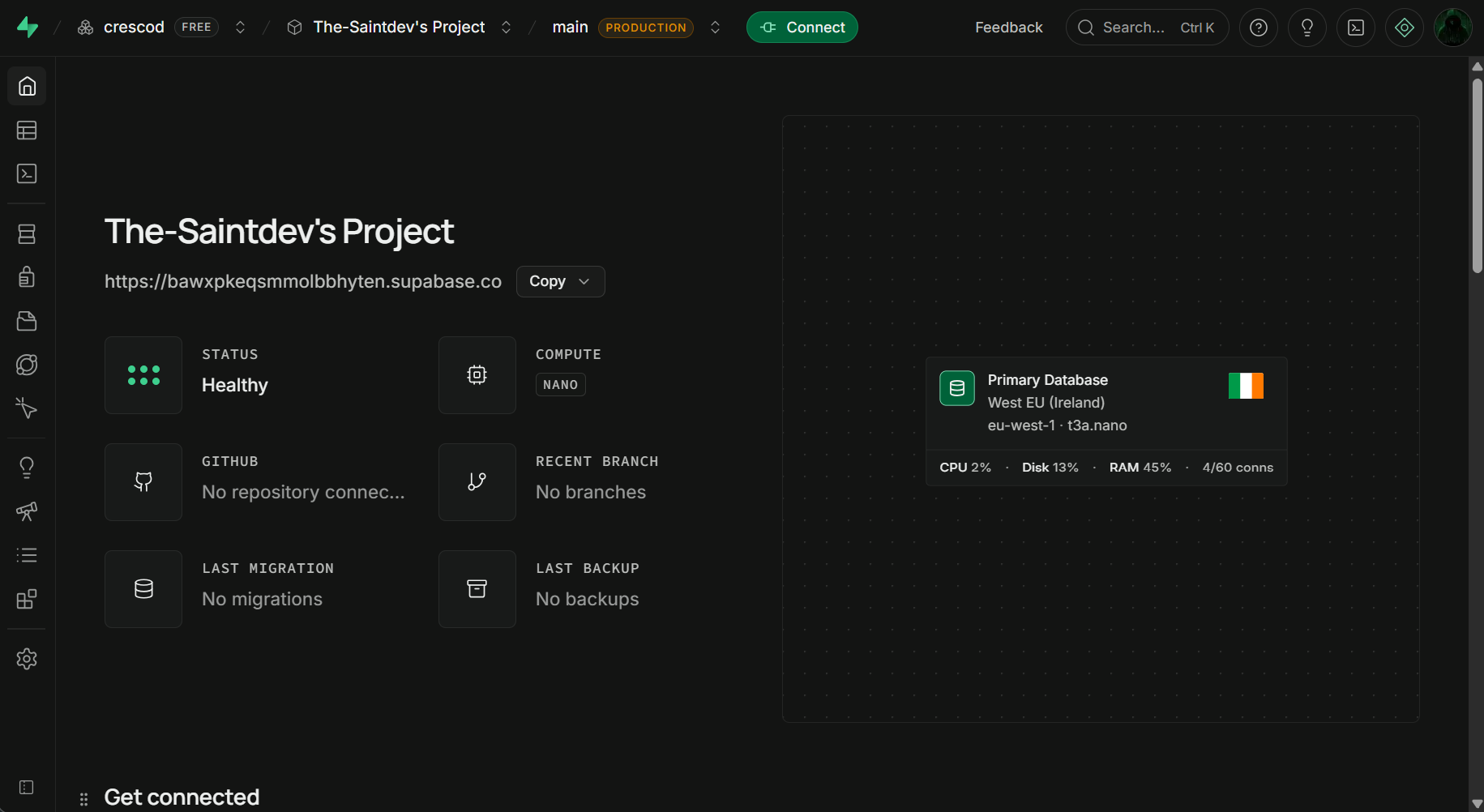
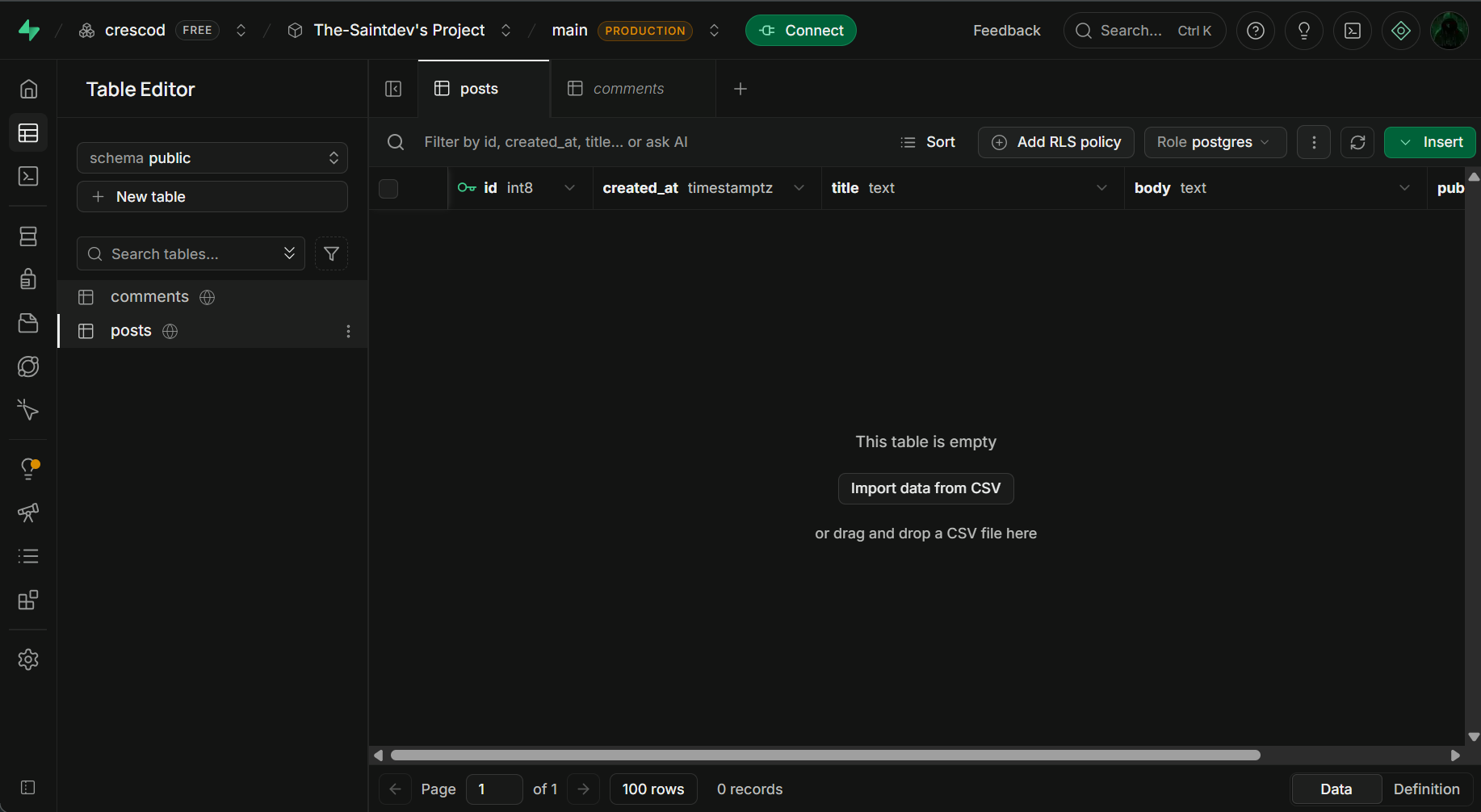
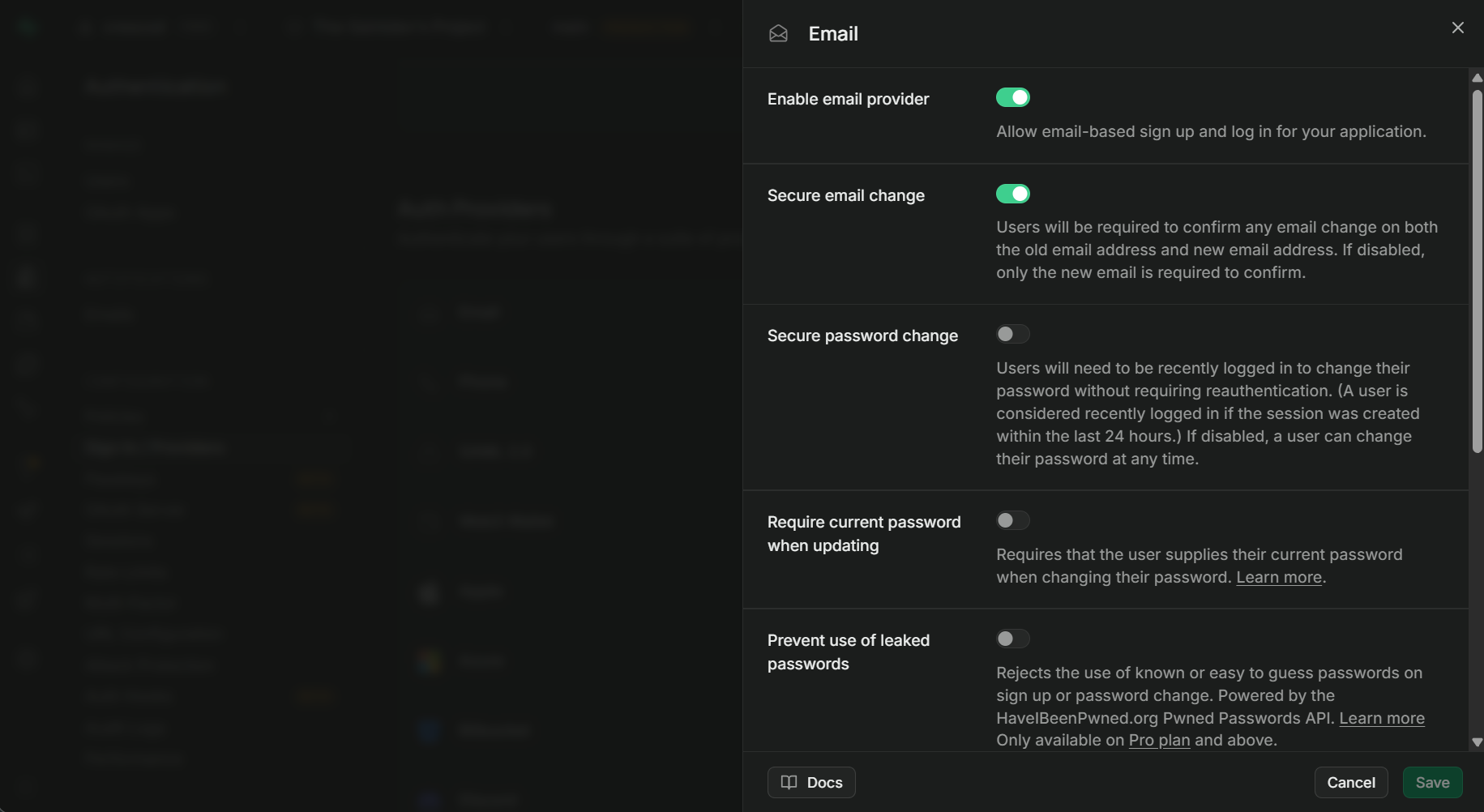
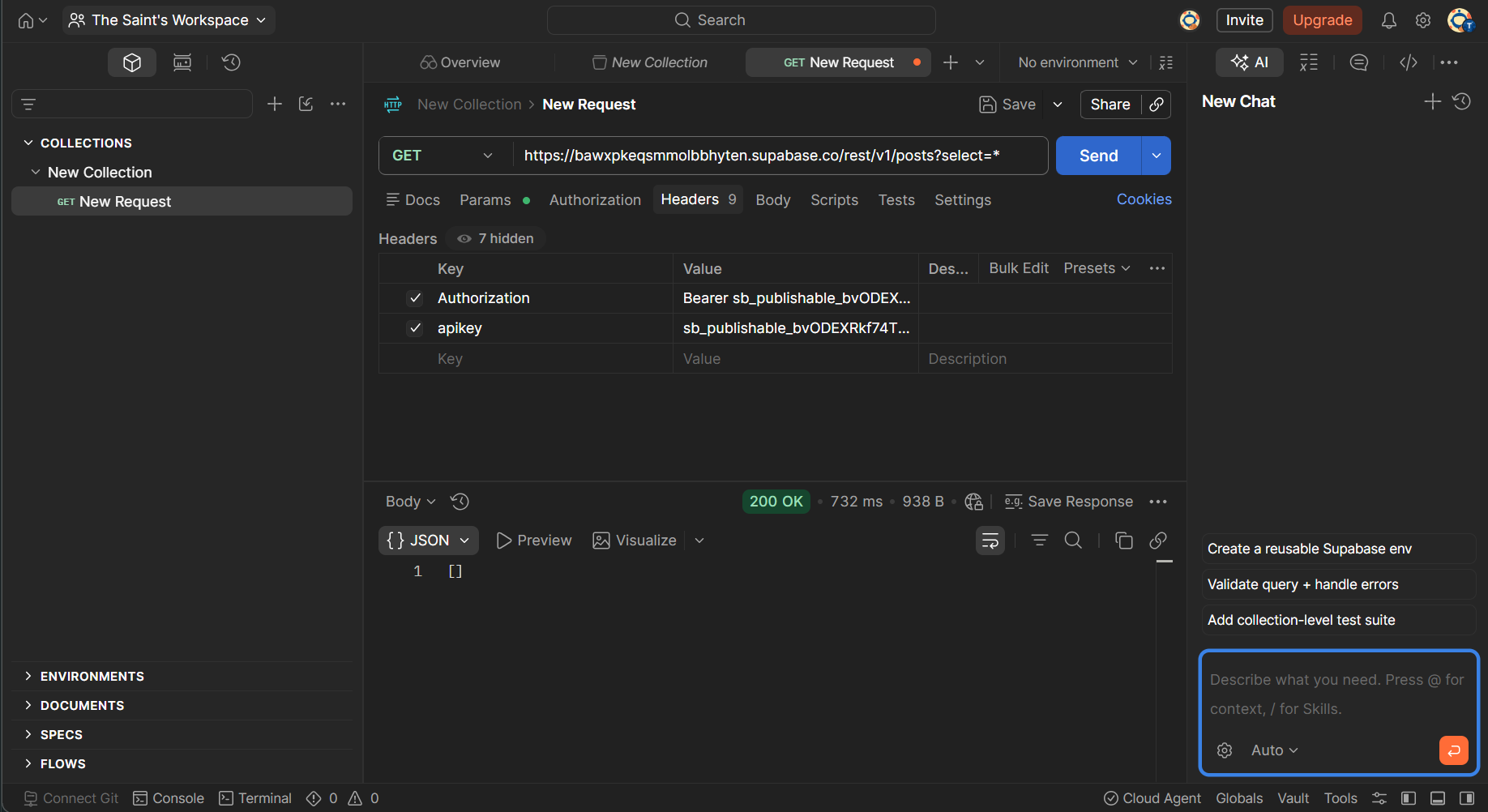
Both end with a working API. The difference: CrescoDB got there locally, with no account and code you own; Supabase got there in the cloud, managed for you. Neither is "better" — they're different philosophies.
The honest bottom line
If you're shipping a cloud-hosted production backend today and want it managed for you, Supabase is the more complete choice right now — it's mature, hosted, and has a deep ecosystem.
If you want to build locally, own and edit your backend code, and move fast with one integrated toolchain — and you're comfortable being early — CrescoDB is built for exactly that.
We're honest about the gap: CrescoDB's managed cloud hosting is still on the roadmap. Until it lands, CrescoDB shines brightest in local development and self-hosted deploys. Supabase already runs your production database for you today.
Already on Supabase and curious? A migration guide is on the way — for now, cresco init works alongside anything you already have.
Try CrescoDB in 30 seconds
No account, no cloud project. One command.